A photo booth is the equipment and space guests use. The experience is what they do there: pose for a portrait, change expressions for a GIF, make a looping gesture or record a planned greeting. Start with the moment you want them to keep, then match the booth, package and event setup to it.
Available experiences depend on your booth, package and event setup. We’ll confirm the details before booking.
Start with your occasion
Picture it at your event.
Explore four ways to shape an event around the photo booth. Choose your occasion for an example of what guests do, what they take home and the details we plan together.
The idea
A portrait that starts a conversation.
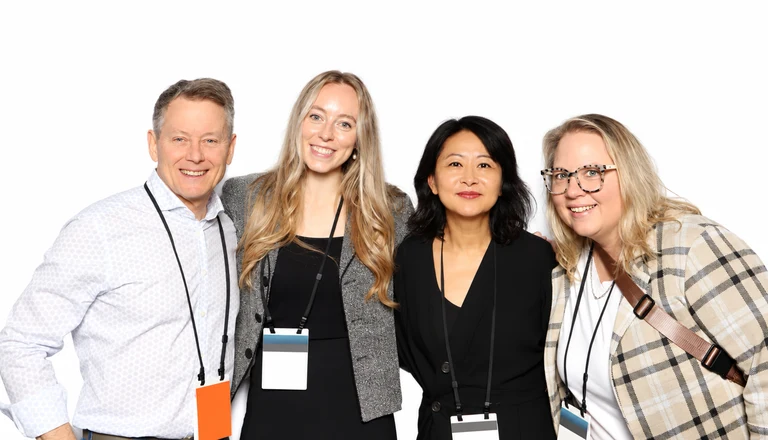
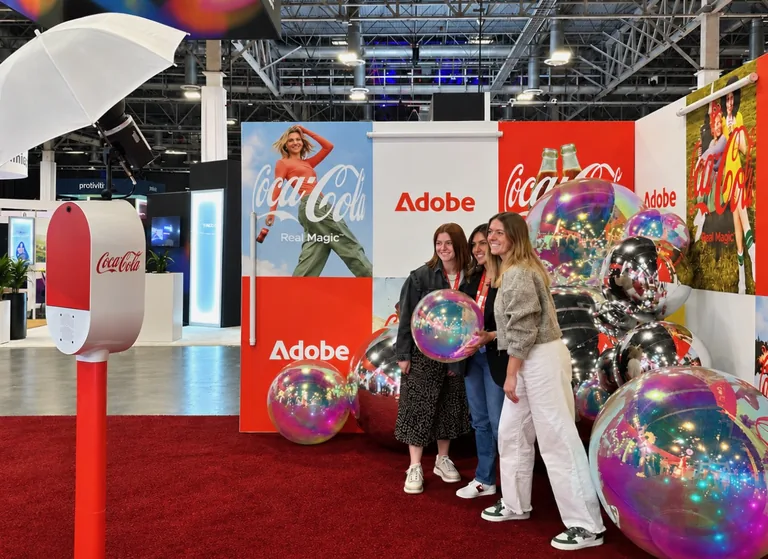
At a conference booth, invite visitors to take a portrait with your campaign artwork. Place the photo area beside your product display so the activity fits naturally into a conversation with your team. Guests leave with a branded photo, and an optional interest question can help shape a relevant follow-up.
What guests do
Guests step into the portrait area, pose and can answer a short optional question: “Which product would you like to learn about?” A separate optional permission asks whether they want follow-up. Then they choose from the digital delivery methods configured for the event.
What they take home
A portrait carrying your campaign artwork, delivered through the selected QR, email or text option. The event report can also summarize the booth activity and optional answers you agreed to collect.
What we plan
Choose the campaign artwork, question and consent wording, guest-flow location, delivery methods and reporting scope. Keep the portrait area beside the conversation rather than blocking an aisle; decide how your team will introduce the activity.
Four different takeaways
Choose what guests actually do.
Choose a clear activity and we’ll help guests understand the moment you have in mind. Selfie supports photos, GIFs and Boomerangs. Video messages and additional capture modes are options we plan in advance for a compatible setup.
Still photos
One photograph
Guests settle into a pose and the booth captures a still image. It is the straightforward choice when the outfit, product or whole group should be easy to see. A digital photograph can be kept on a phone; selected print packages also turn it into a physical keepsake.
Try: “Bring your group together, show the product and look toward the camera.”
GIFs
A sequence of stills, animated
Guests change poses between photographs; the sequence plays as an animation. A three-pose routine gives guests something specific to do and makes each expression easy to see. It works especially well for friends or teammates who want to get playful together.
Try: “Pose, cheer, wave” for a team celebration.
Boomerangs
A brief movement, forward and backward
Guests make one small movement that loops forward and backward. Unlike a GIF built from changing still poses, the idea is a repeated action. Choose an easy gesture the whole group can follow, with enough room for everyone.
Try: raise a glass for a toast, then let the loop play it back.
Video messages
A guest’s spoken greeting or story
Guests answer a prompt in their own voice. Plan a compatible setup and a suitable setting for greetings, short testimonials or celebration messages. For a brand event, try a focused question such as “What caught your attention today?” A quieter spot helps guests feel comfortable telling their story.
Try: “What is your favorite memory of the couple?”
Look & feel
Set the mood. Keep the people.
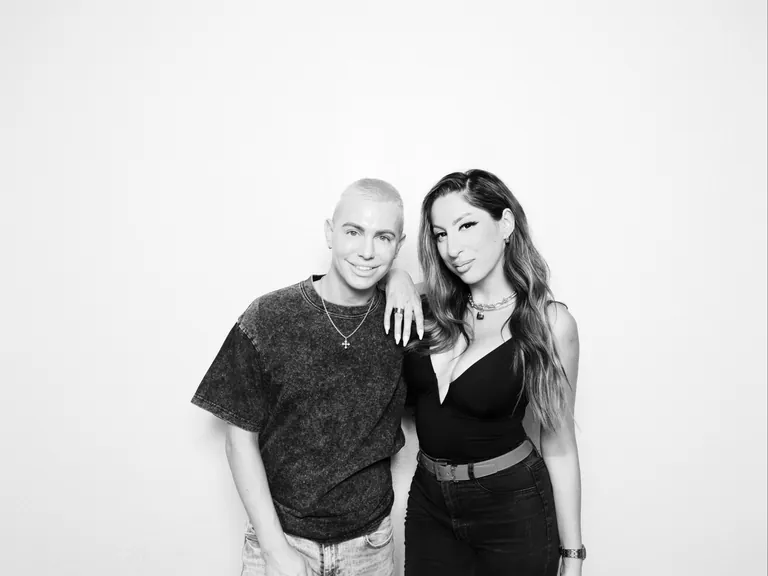
A black-and-white guest portrait: faces and expressions lead the picture.
Classic black-and-white or full color?
Black-and-white portraits suit a black-tie evening or wedding where faces and formalwear lead the picture. Color brings bright outfits, product packaging and campaign colors into the photo. For a softer portrait finish, choose the Glam package or upgrade that fits your event. We’ll coordinate the look with your artwork and backdrop.
A backdrop in the room. A scene in the photo.
A physical backdrop is the fabric, sequin or drapery setting behind guests. Digital background removal places a chosen scene or artwork behind them in the image: a destination for a travel-themed celebration, for example, or a campaign scene for a launch. Supply or choose the artwork and plan the setup with our team. The optional AI background-removal upgrade is best paired with Selfie and is also available with Studio and Enclosed.
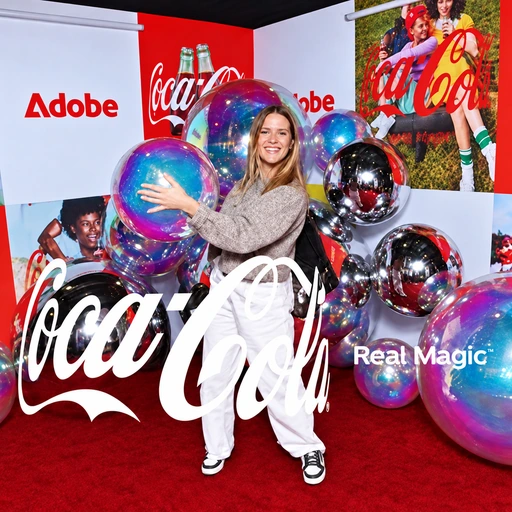
Walk through the guest journey and decide where your identity belongs. A welcome screen can set the tone where supported; capture artwork frames the photograph. Selected print designs carry it onto paper, while supported galleries and sharing can continue the same visual language. Keep names and artwork readable, and leave the guests room to be the subject.
01Welcome screen
02Photo artwork
03Selected print design
04Supported gallery & sharing
The setup: Coca-Cola graphics on the booth, beside the exhibition backdrop.The finished photo: Coca-Cola artwork framing the guest’s portrait.
Vinyl wraps are available as an optional enhancement for an additional fee.
Sharing & take-home choices
On a phone. On paper. Worth keeping.
Digital delivery, with a plan.
Choose the QR, email or text delivery options that fit your event. A digital file gives guests a photo to keep on their phone or share themselves; a supported online gallery brings the event’s captures together. Plan how you’ll share the gallery link with guests or your team. Venue connectivity affects delivery, so we’ll coordinate network access and restrictions ahead of setup.
The pleasure of a printed photo.
A print is a different kind of takeaway: something guests can hold, take home or contribute to a selected guestbook package. Selfie is digital-only. Studio prints and Enclosed photo strips follow the chosen package, including its design, format and quantities. If a physical keepsake is a priority, compare the print formats and quantities when choosing your package.
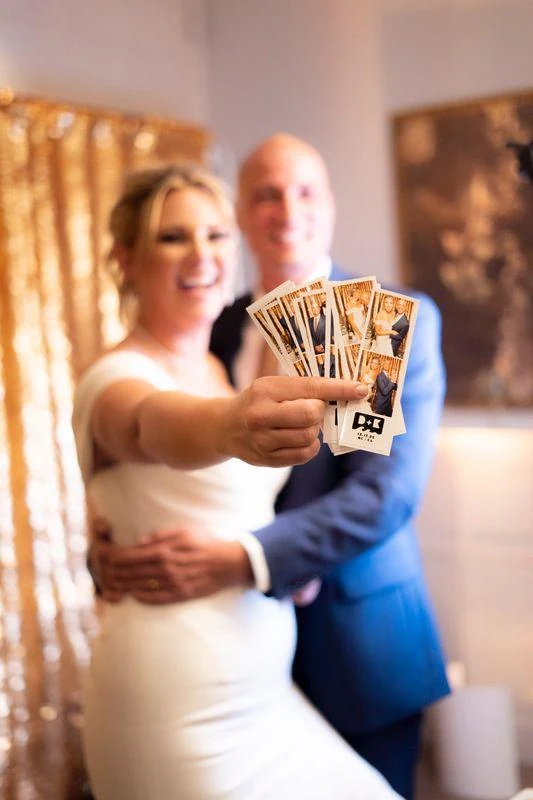
A couple holds their photo strips toward the camera.
For brands · Plan in advance
Give the activity a purpose.
A useful question. A separate permission.
Give an optional question a clear purpose. “Which product interests you?” can help a host understand what guests chose to tell them. A separate optional permission could read: “Yes, I’d like this brand to contact me about its products.” Sharing contact information does not automatically give marketing consent. We’ll agree on a short, voluntary question and separate follow-up permission during planning.
Know what the report describes.
Decide what you want to learn before the event. You might want to review how many sessions took place, which configured sharing methods guests used, or how they answered your optional product question. Session totals describe booth activity; the same person may return for another photo. We’ll agree on the available measurements and report format so you know what the numbers represent.
Bring the pieces together
Plan the experience. Then match the booth.
01
Choose the guest takeaway.
Start with one priority: a flattering portrait, an animated group moment, a spoken greeting or a printed keepsake. This narrows the format and gives guests a clear activity.
02
Choose the look and artwork.
Decide on color or black-and-white, event names and brand assets, physical backdrop or optional digital scene. Coordinate the elements that will actually appear in your selected setup.
03
Choose the booth and guest flow.
Match the format to the space, schedule and group size. Plan where guests gather, pose and move on, with a location that works for the venue and the rest of the event.
04
Decide delivery and any reporting.
Choose digital methods, supported gallery access and selected prints. For brand events, agree on optional questions, separate consent and the reporting scope before booking.
DSLR portraits with prints in selected packages. A good starting point for a polished portrait, a wedding keepsake or a branded print guests can take home.
Photo strips, digital sharing and branding in a classic enclosed booth. A good fit when the booth itself is part of the atmosphere and guests want a strip to keep.
We work with Fiesta, Snappic and Booth.Events, selecting the setup for your event. Tell us the guest experience you have in mind and we’ll match the configuration to it.
Useful answers
The details that help you decide.
How do GIFs and Boomerangs differ?+
A GIF animates a sequence of still photographs, so changing poses work well. A Boomerang loops a brief movement forward and backward. Choose a three-pose celebration for the first, or a simple toast gesture for the second.
Should I choose prints or digital delivery?+
Choose the takeaway first. Selfie is digital-only with photos, GIFs and Boomerangs. Studio offers DSLR portraits with prints in selected packages; Enclosed offers photo strips and digital sharing. Your package defines print formats and quantities, and gallery availability varies by setup.
Can the experience carry our event artwork?+
Plan photo artwork around your event name, colors or campaign. Welcome screens and branded galleries or sharing are available where supported by the selected setup. Print artwork follows your chosen package.
Can guests leave video messages?+
Video greetings and short testimonials are options we plan in advance for a compatible setup. Choose a prompt and setting that suit the occasion, then confirm the capture format and what you’ll receive with our team.
Is a digital background the same as a physical backdrop?+
A physical backdrop of fabric, sequins or drapery sits behind guests in the event space. Optional digital background removal places selected artwork or a scene behind guests in the image. Plan the artwork and setup; the upgrade is best paired with Selfie and is also available for Studio and Enclosed.
What should we check with the venue?+
Share the connection, network access restrictions and booth location early. Digital delivery depends on usable connectivity. Allow space for the group and guest flow, and confirm placement requirements for your chosen booth.
Do we need to choose the software?+
We work with Fiesta, Snappic and Booth.Events, selecting the setup for your event. Tell us whether you want portraits, motion, messages or brand features, and our team will match the software and configuration to your selected experience.
What is included, and what should we plan separately?+
Your selected package lists its inclusions. Video messages, surveys, reporting and additional modes need advance confirmation for a compatible setup. Decide the guest takeaway, look, booth and delivery first, then compare packages and confirm any planned options before booking.
What should guests remember about yours?
Bring the occasion, your preferred takeaway and any artwork or delivery priorities. We’ll help connect the guest experience with the booth and package that fit.